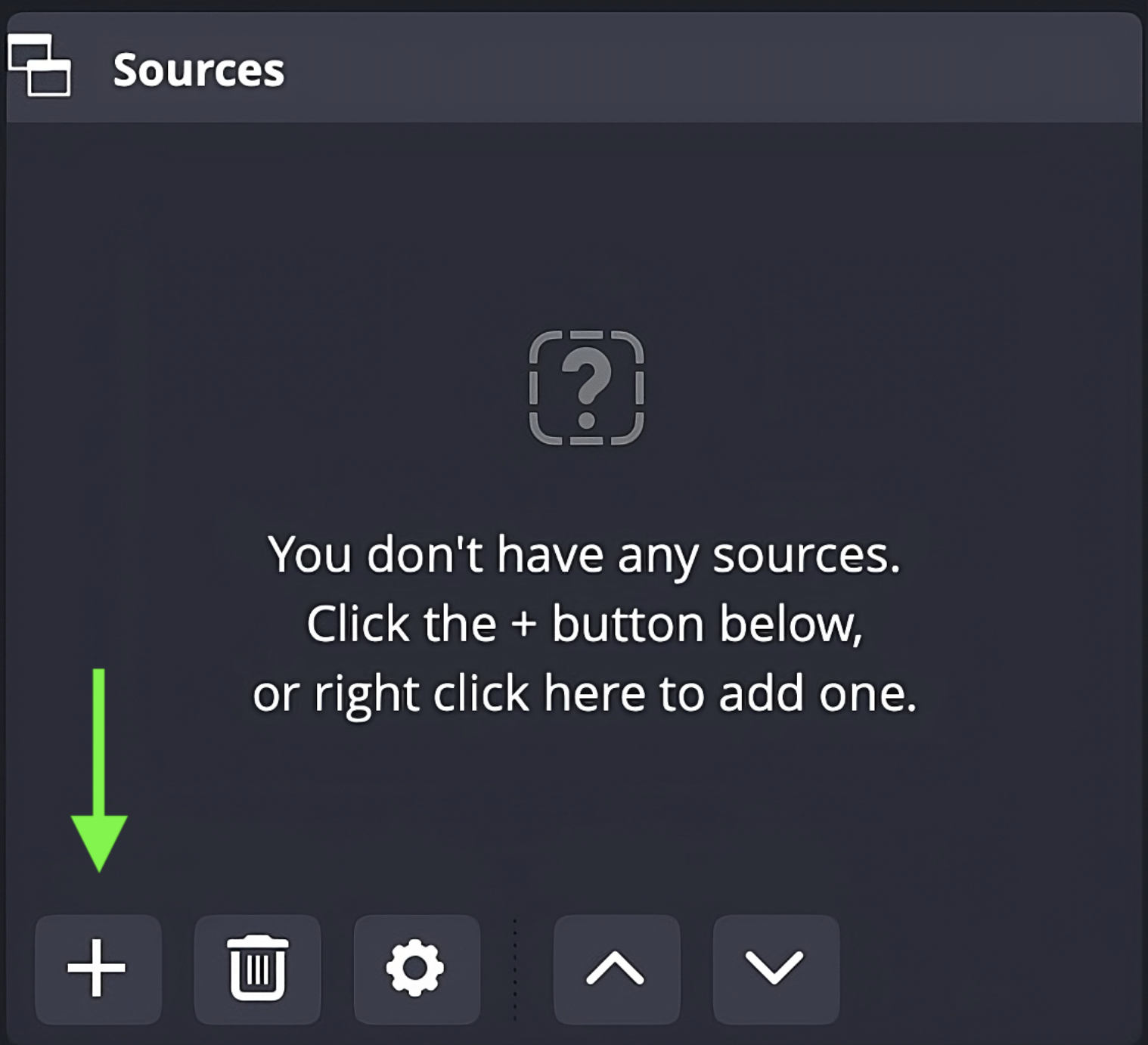
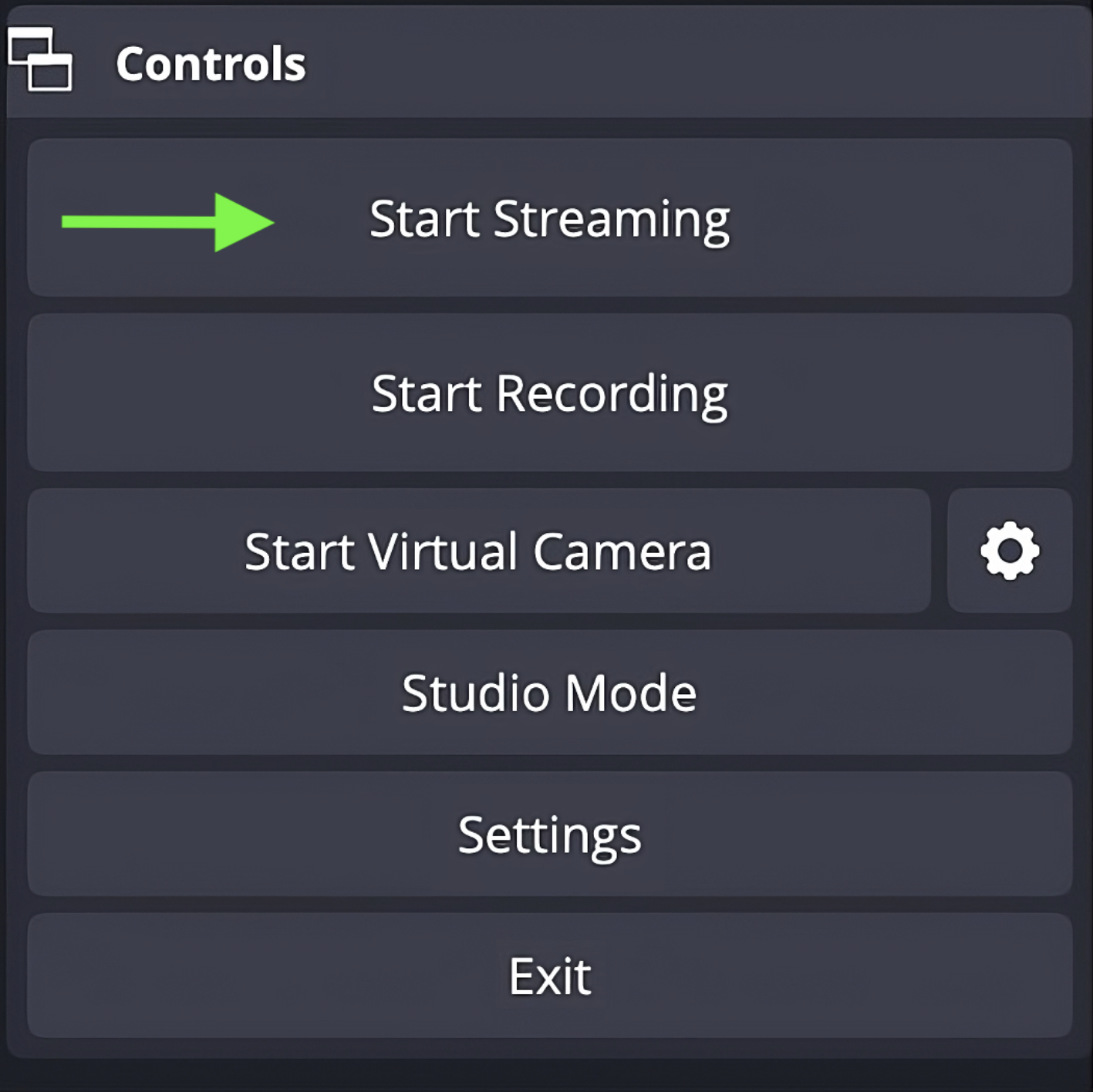
3. After adding video/audio source you can create streams. Please note that the next steps apply only after you've created a stream here.
When a stream is created you need to enter 4 pieces of information into OBS Broadcaster to link the stream to Blixe.com. First step is to go to Settings:
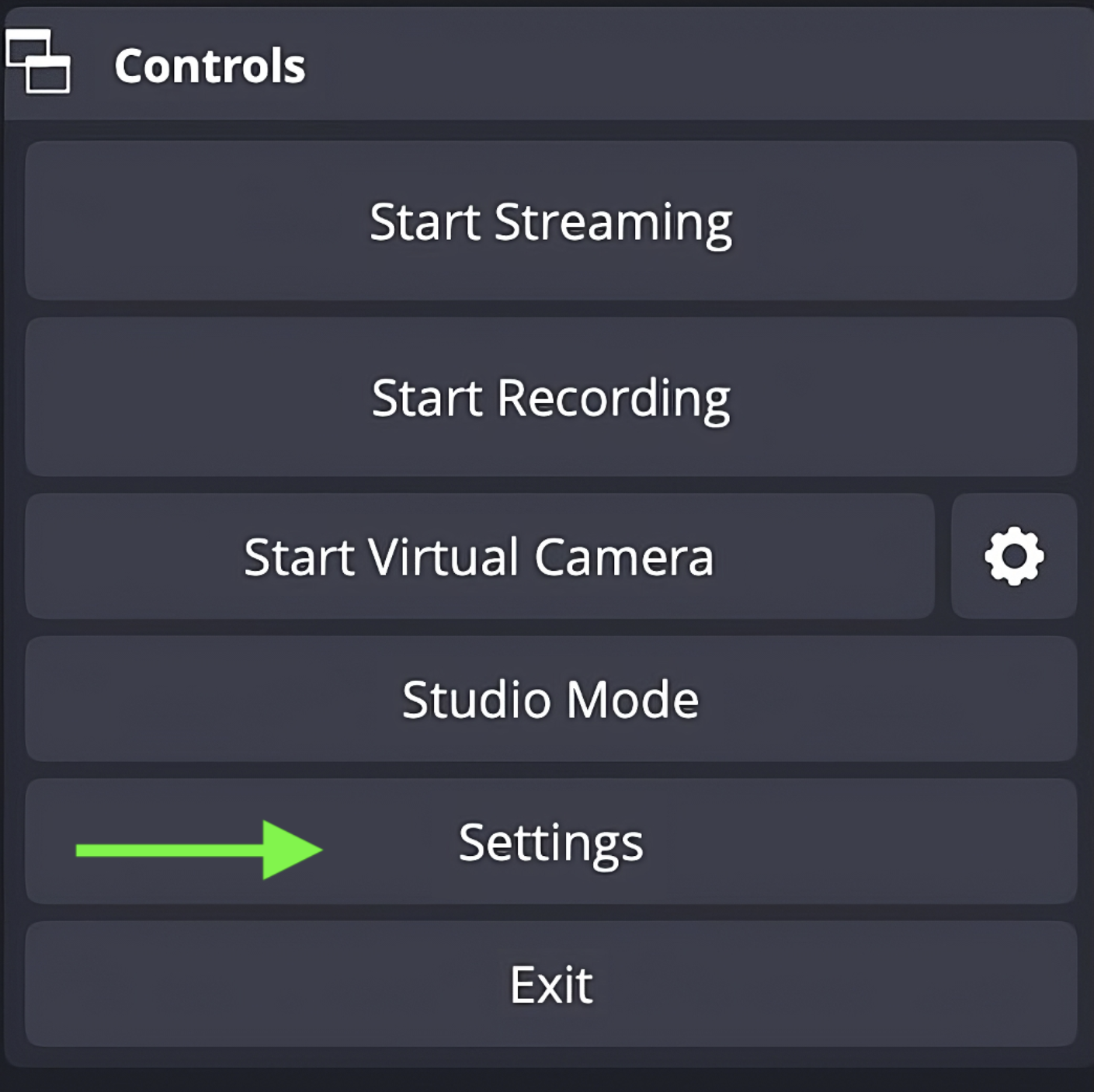
Under Settings, click on 'Stream' and enter Server and Stream Key given to you by clicking on Broadcast Setup gear icon on your account page. 
|